Gameplay Confirmed + reported
GTA 6 Photo Mode: How to Use Photo Studio
How to open GTA 6’s Photo Studio photo mode from the pause menu, what the camera, focus, filter and lighting options do, where photos save, and how to take selfies.
Quick answer Updated November 22, 2026
Pause the game and pick Photo Studio in the menu, or press Square (X on Xbox) on the pause screen. You can move the camera, change the field of view, focus and filters, add lights, then Save Photo. For selfies and poses, use the in-game phone camera instead.
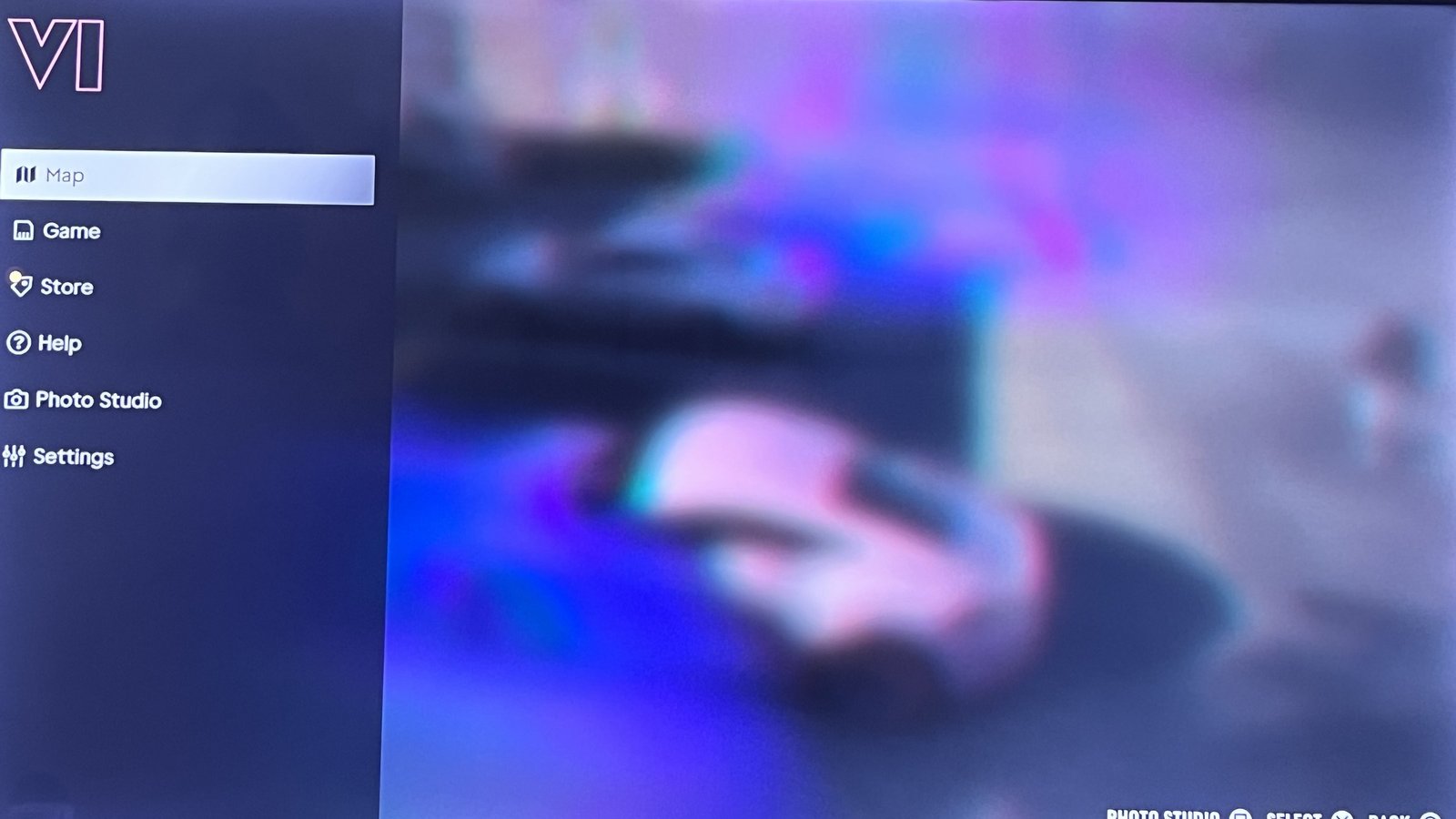
GTA 6’s photo mode is called Photo Studio, and it’s right in the pause menu. Here’s how to open it and what the options do.
Confirmed
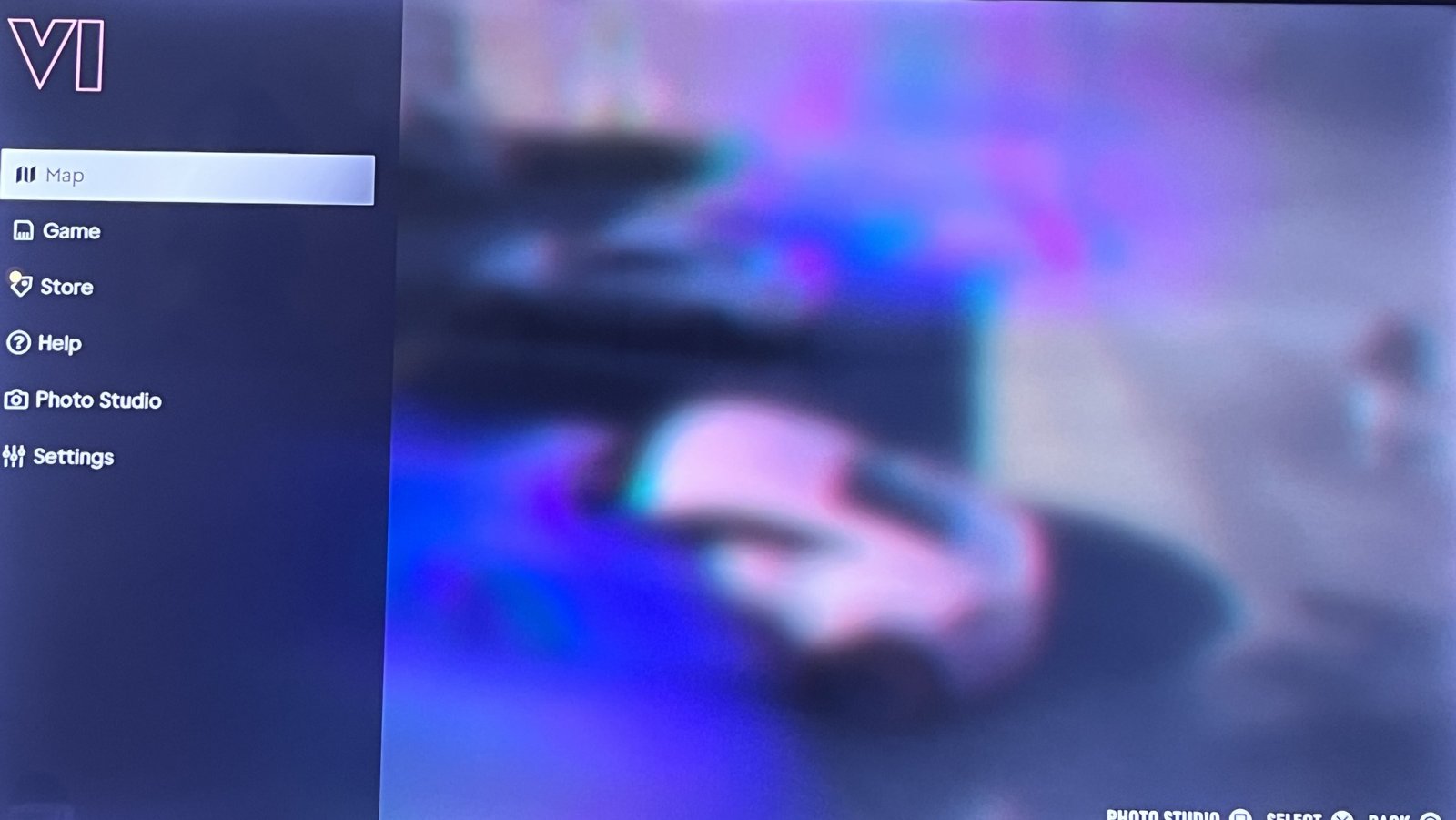
The Photo Studio menu option and its Square shortcut are from the pause menu on our own PS5 copy. The tools inside it come from players’ guides (sources below) and are labeled reported.
How to open Photo Studio
- Press Options (Menu on Xbox) to pause.
- Pick Photo Studio: it sits between Help and Settings.
- Shortcut: on our pause screen, Square opens Photo Studio directly (X on Xbox, players say).
Some options can show as unavailable during cutscenes, guides report.
What you can change (reported)
| Tool | What it does |
|---|---|
| Camera | Move the camera, set its speed, roll (tilt) and field of view |
| Grid and aspect ratio | Grid lines to line up your shot, and different frame shapes |
| Focus | Depth of field and aperture, with a guide showing what’s sharp |
| Looks | Preset filters and a vignette |
| Lights | Place light sources to brighten a scene |
Saving your photo
- Choose Save Photo. Guides say pictures go to your console’s capture gallery.
- If you see a “Couldn’t Save” error, players suggest hiding the interface and using your console’s own screenshot button.
Selfies and poses
Photo Studio reportedly has no pose menu. For selfies and poses, open the Camera app on the in-game phone, which guides say becomes available early in the game.
Quick answers
Does GTA 6 have a photo mode?
Where do GTA 6 Photo Studio pictures save?
How do you take a selfie in GTA 6?
Sources
Official = Rockstar Games or the platform holder. Reported = another outlet’s reporting we could not check against an official page; it’s labeled wherever it’s used.
- Community Neon Atlas: GTA VI pause menu with Photo Studio, photographed on our PS5 (our own copy) (Neon Atlas) accessed Invalid Date
- Reported How To Use Photo Mode In GTA 6 (GameSpot)
- Reported GTA 6: How to Use Photo Mode (& Take Selfies) (Game Rant)
- Reported GTA 6 Photo Mode and Selfies: Where Photos Save (OutputLag)
Spotted an error? Send a correction; we fix verified errors quickly and note them in the update history.