Gameplay Confirmed
GTA 6 Fighting: How to Punch, Grab, Choke, Weave and Tackle
GTA 6 fighting on PS5: hold Square to body slam, R2 to grab, Square to choke from a headlock, X to dodge or parry, then Square to counter. With video.
Quick answer Updated November 22, 2026
On PS5, Square punches, X dodges or parries an incoming attack (then Square to counterattack), hold Square for a special attack like a body slam, R2 grabs, and once you have someone in a headlock (easiest from behind), mash Square to choke. To tackle, sprint with L3 and press Square.
Fighting in GTA 6 is more than mashing punch. You can throw punches, grab and choke people, dodge, parry and counter, and tackle someone who tries to run. Here’s how, from our own PS5 copy.
 GTA 6 Fighting Gameplay: Tackle, Choke and Grab (PS5)
Our own gameplay, recorded by Neon Atlas. GTA VI is a Rockstar Games title; this is an unofficial fan video. Open on YouTube
Watch the moves in action above: tackling, grabbing, choking and hitting, from our own PS5 copy.
Fighting controls (PS5)
| Move | Buttons |
|---|---|
| Punch | Square |
| Dodge or parry an incoming attack | X |
| Counterattack (after a dodge or parry) | Square |
| Body slam / special attack | Hold Square |
| Kick someone who’s down | Hold Square (when they’re on the ground) |
| Grab | R2 |
| Hit while grabbing | Square |
| Choke (from a headlock) | R2 to get the headlock, then mash Square |
| Tackle | Sprint (L3), then Square |
Get ready to fight
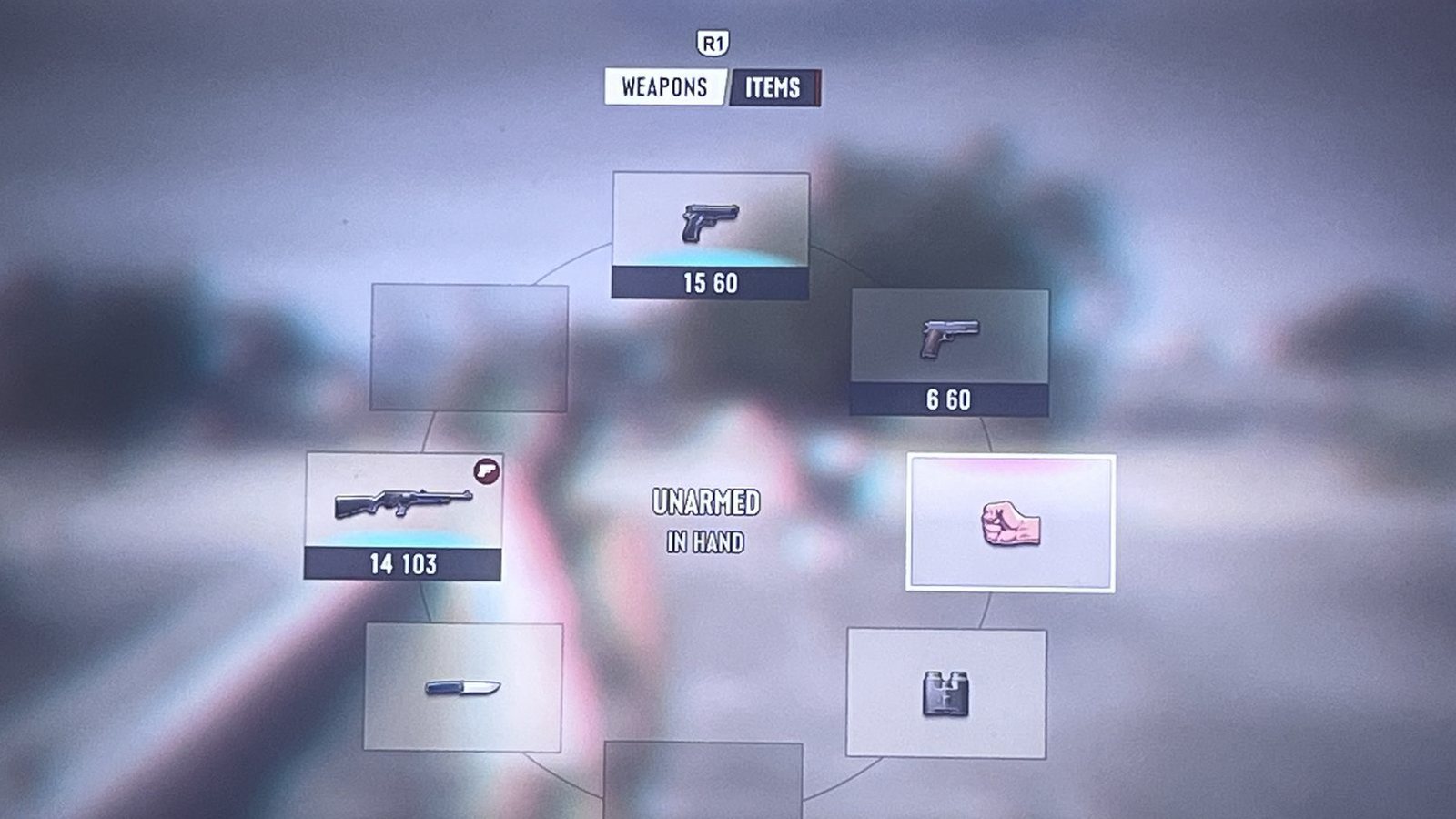
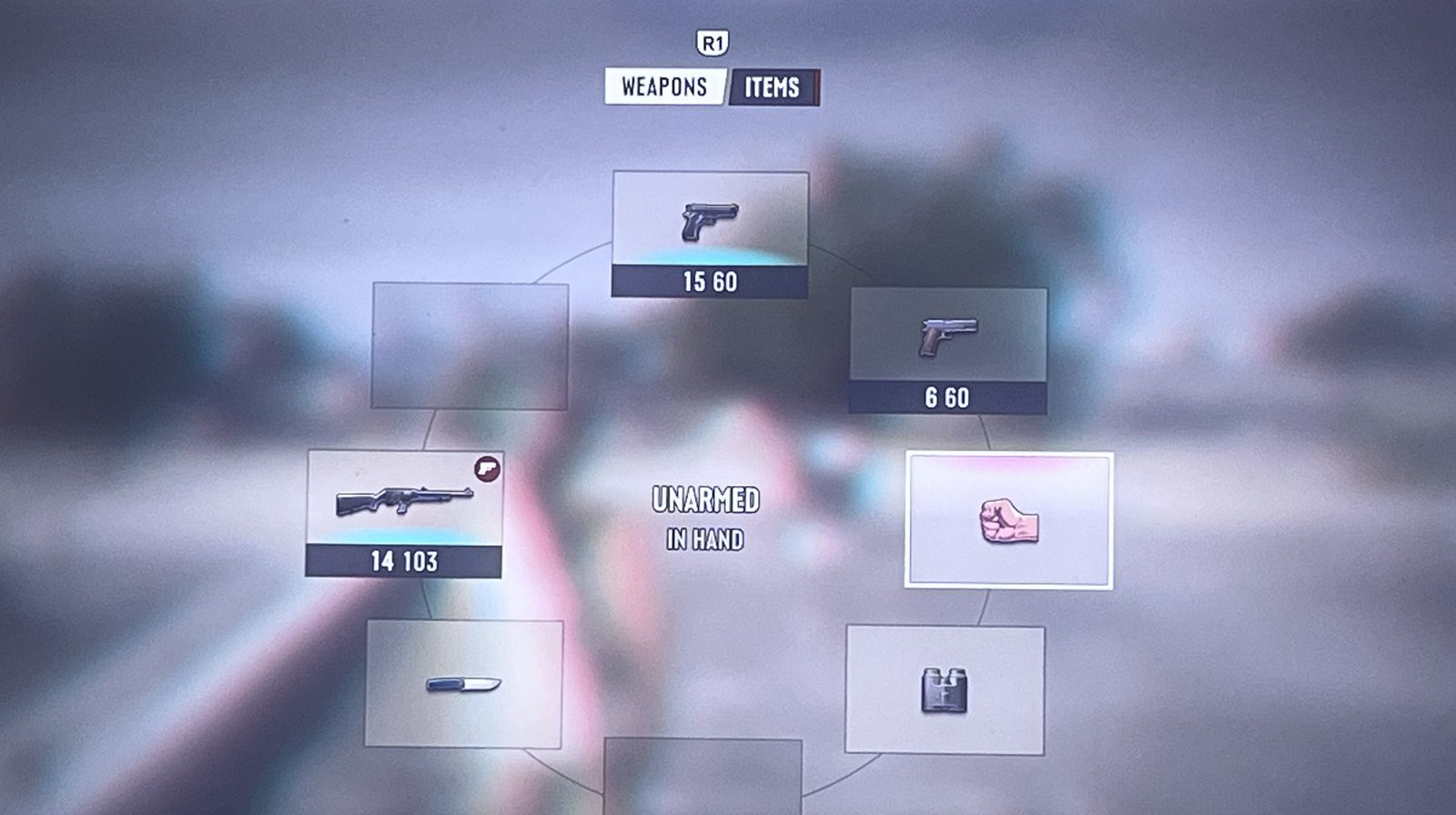
- To fight with your fists, pick Unarmed (the fist) on the weapon wheel (hold L1).
- Square is melee in the default PS5 controls. See our controls guide.
Punch
Press melee to throw punches. Keep pressing to string hits together.
Dodge, parry and counterattack
- Watch for an incoming attack.
- Press X as it comes in to dodge (weave out of the way) or parry it.
- After a successful dodge or parry, press Square to counterattack.
Time it right: press X too early or too late and you take the hit.
How to body slam
The body slam is a special attack:
- Pick Unarmed on the weapon wheel and get into a fist fight.
- Get close to your opponent.
- Hold Square (instead of tapping it) to do a special attack. Jason’s special attacks include a body slam.
When someone is on the ground, holding Square makes him kick them instead.
Tip
Special attacks are big, slow moves. Land a couple of punches or dodge or parry an incoming hit first, then hold Square while they’re open.
Grab and choke
R2 is the grab button. What happens next depends on whether they see you coming:
- They’re ready for you: you only grab them. You can still hit them with Square while you hold on.
- You catch them off guard (best from behind): you get them in a headlock. Now press Square repeatedly to choke them.
Tip: sneak up from behind for the choke. If they’re facing you and ready to fight, expect a grab, not a headlock.
Tackle someone who runs
If someone runs away from a fight:
- Sprint after them (L3 to run).
- When you’re close, press Square while still sprinting.
- Your character tackles them to the ground.
Tips
- Fighting in public draws police. Watch your wanted level.
- Get stronger: lifting weights raises your Strength stat. See GTA 6 activities.
Quick answers
How do you tackle someone in GTA 6?
How do you body slam in GTA 6?
Can you dodge punches in GTA 6?
How do you counterattack in GTA 6?
How do you choke someone in GTA 6?
How do you grab someone in GTA 6?
What button is punch in GTA 6?
Sources
Official = Rockstar Games or the platform holder. Reported = another outlet’s reporting we could not check against an official page; it’s labeled wherever it’s used.
- Community Neon Atlas: GTA VI on PS5, our own play (November 19, 2026) (Neon Atlas) accessed Invalid Date
Update history
- : Added dodging, parrying and counterattacks (X, then Square), from our own play.
- : Added grabbing and headlock chokes, from our own play.
Spotted an error? Send a correction; we fix verified errors quickly and note them in the update history.