Gameplay Confirmed
GTA 6 Mission Failed Screen: What Happens When You Fail
What the GTA 6 mission failed screen looks like, and what we know so far about what happens after you fail a mission, from our own PS5 copy.
Quick answer Updated Nov 19, 2026, 4:04 PM EST
When you fail a mission in GTA 6, the screen turns red and shows “Failed” in big letters over the moment you failed.
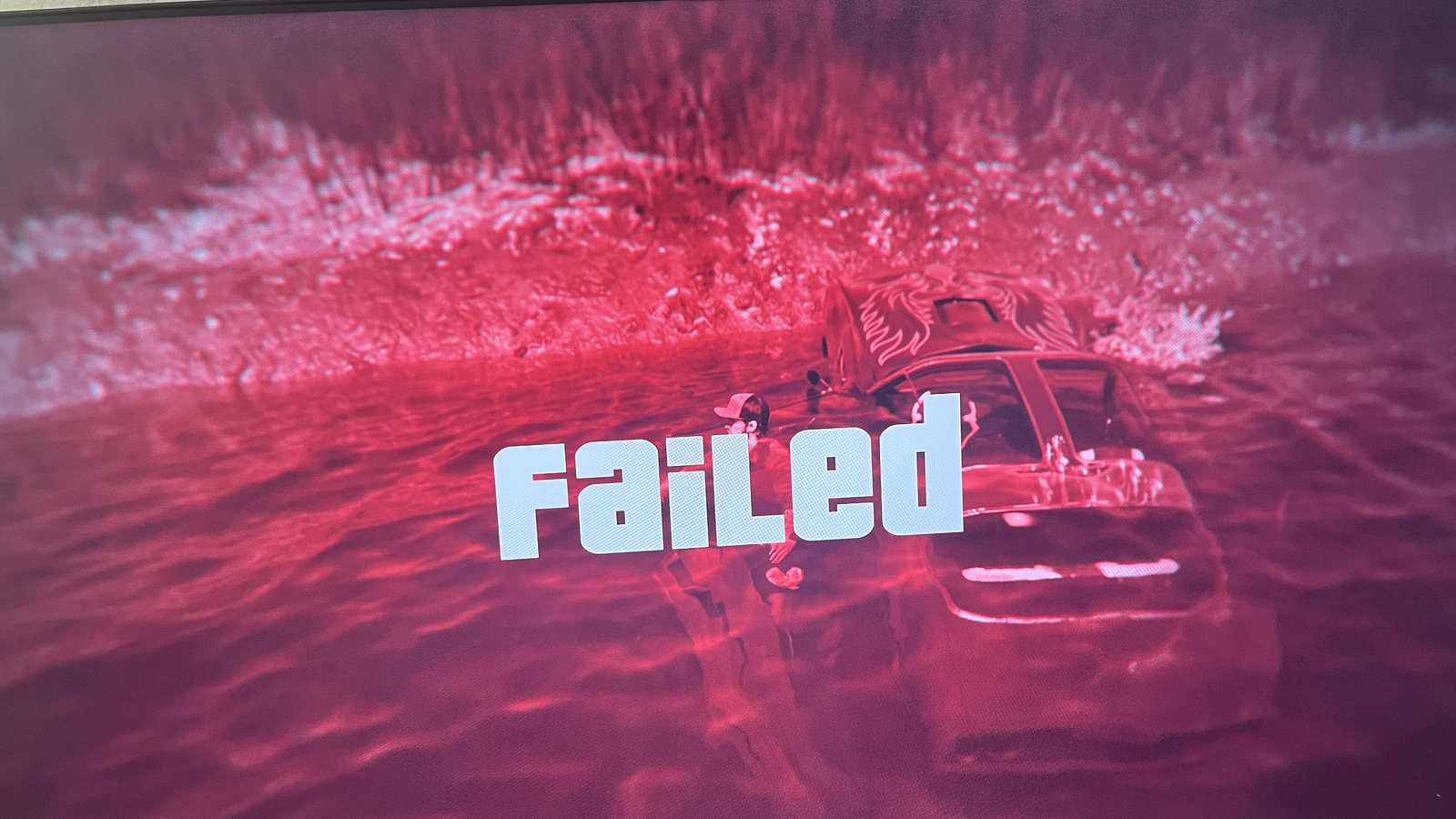
When you fail a mission in GTA 6, the screen turns red and big white “Failed” text appears, frozen on the moment things went wrong.
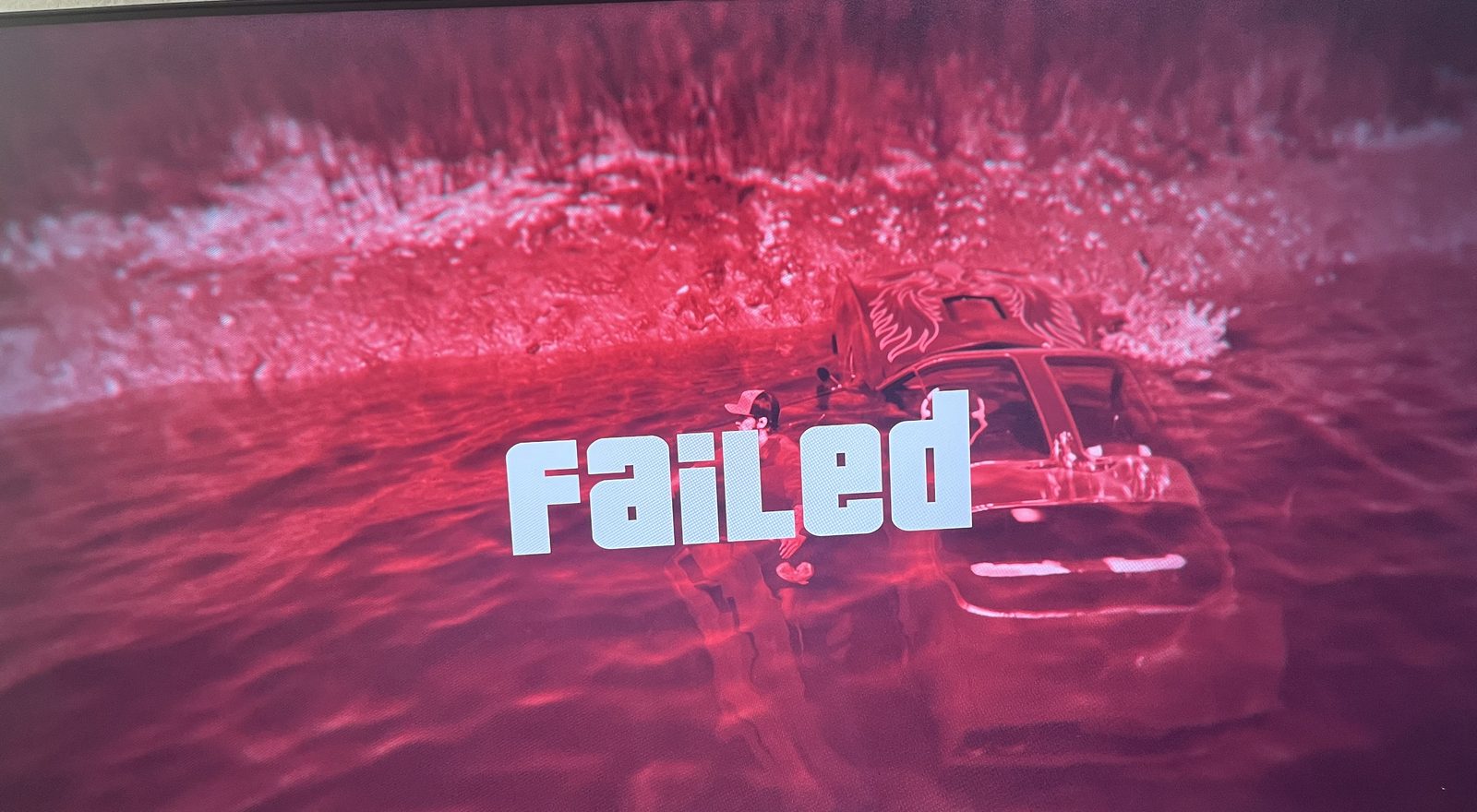
What the screen looks like
- The whole picture turns red.
- “Failed” appears in big white letters in the middle.
- In ours, the car had ended up in the water, which is a quick way to fail a mission.
Unconfirmed
We haven’t confirmed yet what comes after the Failed screen (for example, whether you can retry from a checkpoint or skip a section after failing several times). We’ll update this page once we’ve checked.
Tips to avoid failing
- Keep your car out of the water. Cars that end up in deep water are usually done for.
- Watch your wanted level. See GTA 6 wanted level and HUD.
- Check your settings. Accessible Combat and Reduced Vehicle Damage can make missions easier; see our settings guide.
Quick answers
What happens when you fail a mission in GTA 6?
Sources
Official = Rockstar Games or the platform holder. Reported = another outlet’s reporting we could not check against an official page; it’s labeled wherever it’s used.
- Community Neon Atlas: GTA VI on PS5, our own screenshots (November 19, 2026) (Neon Atlas) accessed Invalid Date
Update history
- : Published from our own PS5 screenshots.
Spotted an error? Send a correction; we fix verified errors quickly and note them in the update history.