Gameplay Confirmed + reported
How to Save in GTA 6: Manual Saves, Autosave and Beds
How saving works in GTA 6: save manually from the pause menu into 15 slots, how autosave works, and why sleeping in a bed doesn’t save your game.
Quick answer Updated November 22, 2026
To save in GTA 6, open the pause menu, choose Game, then Save Game, and pick one of 15 slots. You can save almost anywhere outside a mission. The game also autosaves to a separate slot. Sleeping in a bed doesn’t save; it just skips time.
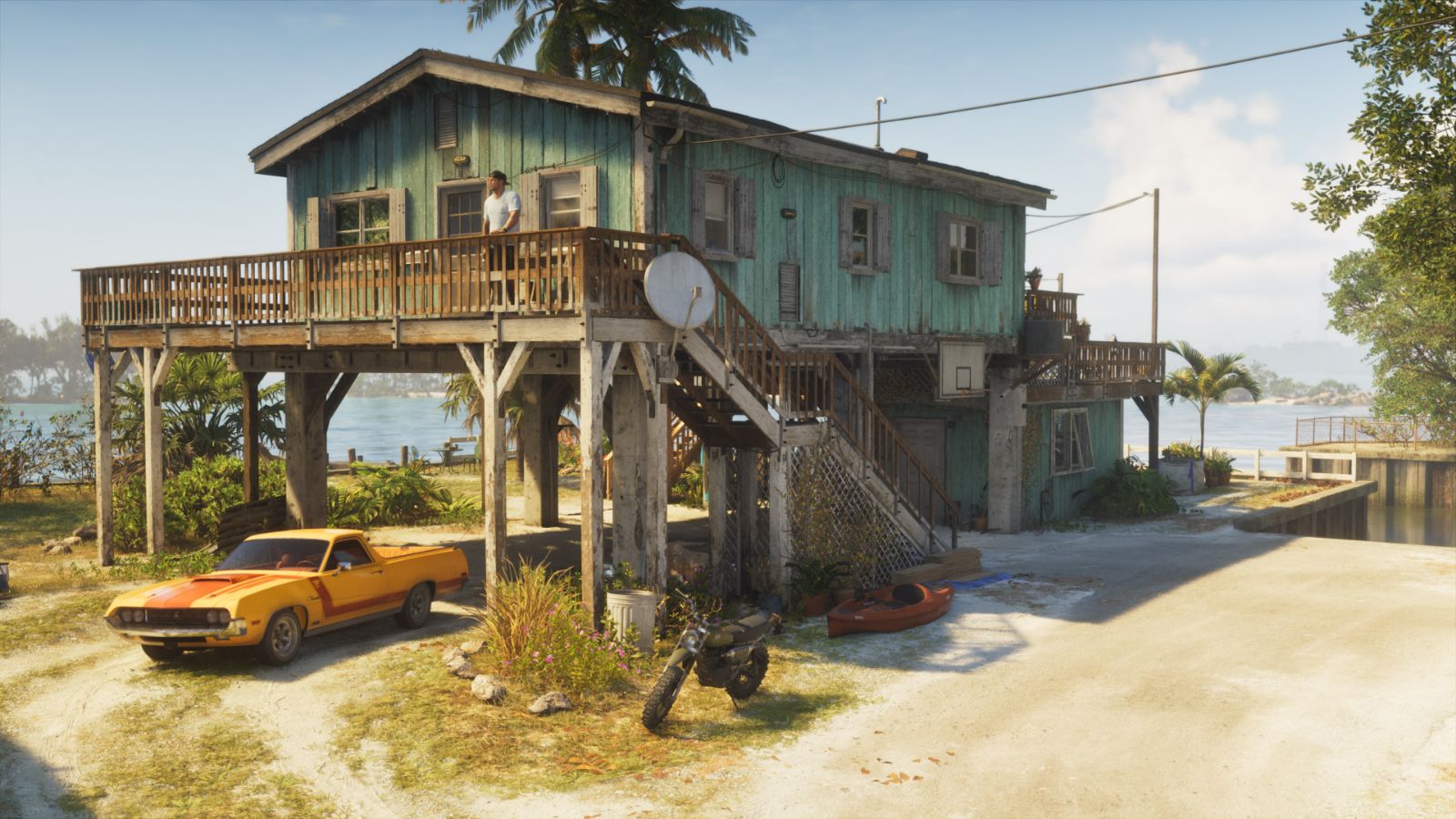
To save in GTA 6, pause the game, go to Game, then Save Game, and pick a slot. You don’t need to find a bed or a safehouse. Here’s how it all works.
Reported, not confirmed by Rockstar
From guides by people playing the game (sources below). Older articles written before launch said beds save the game; players now say they don’t.
Manual save
- Press Options to pause.
- Go to Game, then Save Game.
- Pick one of 15 save slots.
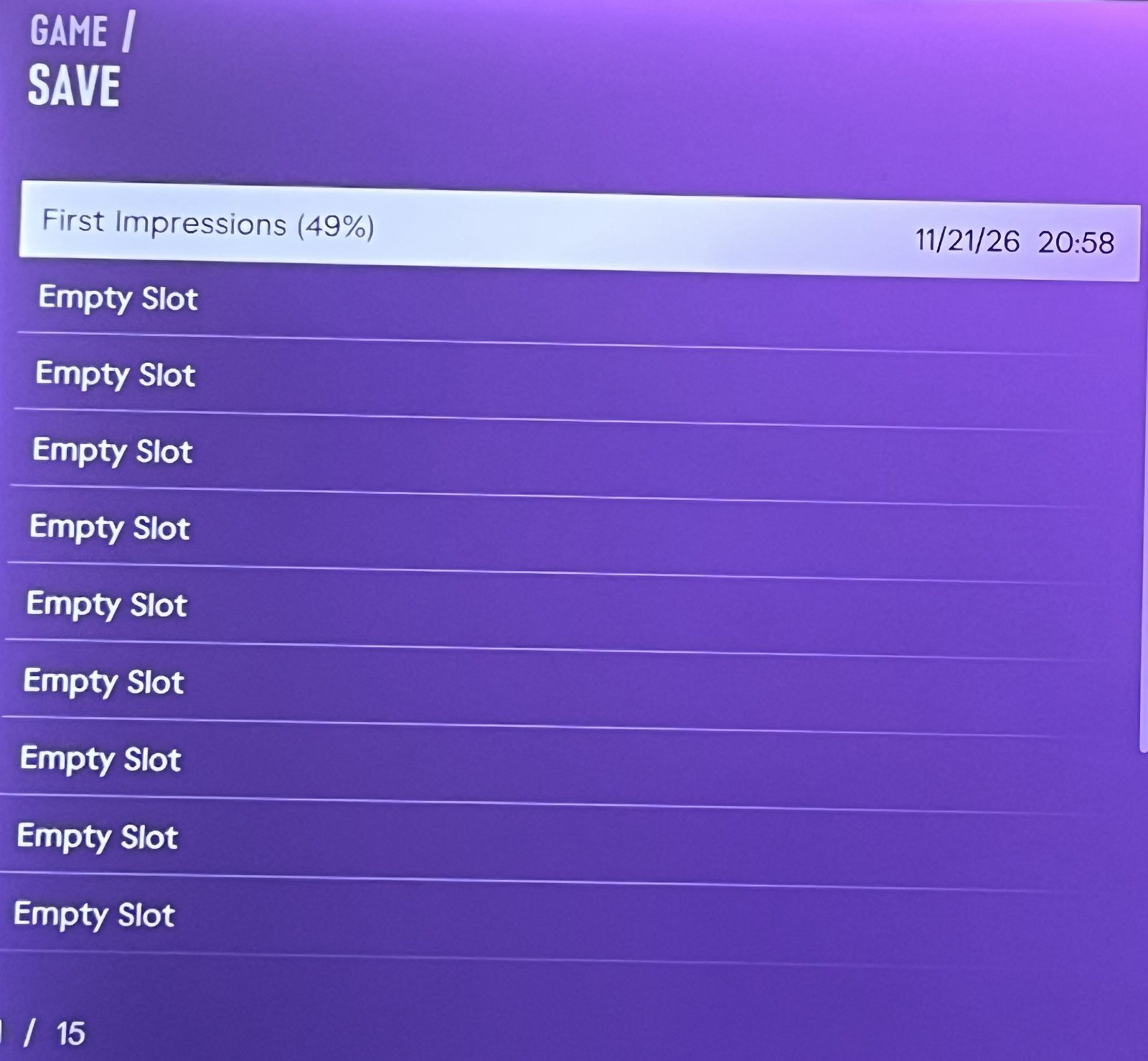
On our own PS5 copy, the save screen sits under Game → Save. Each used slot shows your progress percentage and the date and time you saved, and the counter at the bottom reads 1 / 15. Press X to overwrite a slot or Square to delete one.
You can save almost anywhere, as long as you’re not in a mission. You also can’t save during the game’s opening section.
Autosave
- The game autosaves to its own slot, which doesn’t use up your 15 manual slots.
- It reportedly saves after missions.
What doesn’t save
- Sleeping in a bed doesn’t save the game; it just skips time (and keeps your Sleep stat up: see the pause menu guide).
- There’s no phone quick-save like in GTA V, players report.
Tips
- Save before big jumps. Use a fresh slot before you try something risky, so you can go back.
- One guide warns that loading a free-roam save may put you back at your safehouse, not exactly where you saved.
- If a save won’t load, see stuck on the loading screen. Don’t delete a save just because one load fails.
Quick answers
How do you save in GTA 6?
Does sleeping save the game in GTA 6?
Does GTA 6 autosave?
Can you save during a mission in GTA 6?
Sources
Official = Rockstar Games or the platform holder. Reported = another outlet’s reporting we could not check against an official page; it’s labeled wherever it’s used.
- Reported Here’s how to save your game in GTA 6 (PC Gamer)
- Reported GTA 6 How to Save: Manual, Autosave and Quick Save (OutputLag)
- Reported How to save in GTA 6: Manual slots, autosave and tips (Tech Nerdiness)
Update history
- : Added our own screenshot of the Save screen (15 slots).
Spotted an error? Send a correction; we fix verified errors quickly and note them in the update history.