Guides Confirmed + reported
GTA 6 Launch Night Checklist: 8 Things to Do Before It Unlocks
Pre-load, storage, system updates, codes, bonuses and timing: a short checklist so GTA VI is ready to play the moment it unlocks.
Quick answer Updated November 18, 2026
Before it unlocks: finish your pre-load, keep spare space beyond the reported ~212 GB, update your console, redeem any box code early, and check your store’s countdown for your exact unlock time.
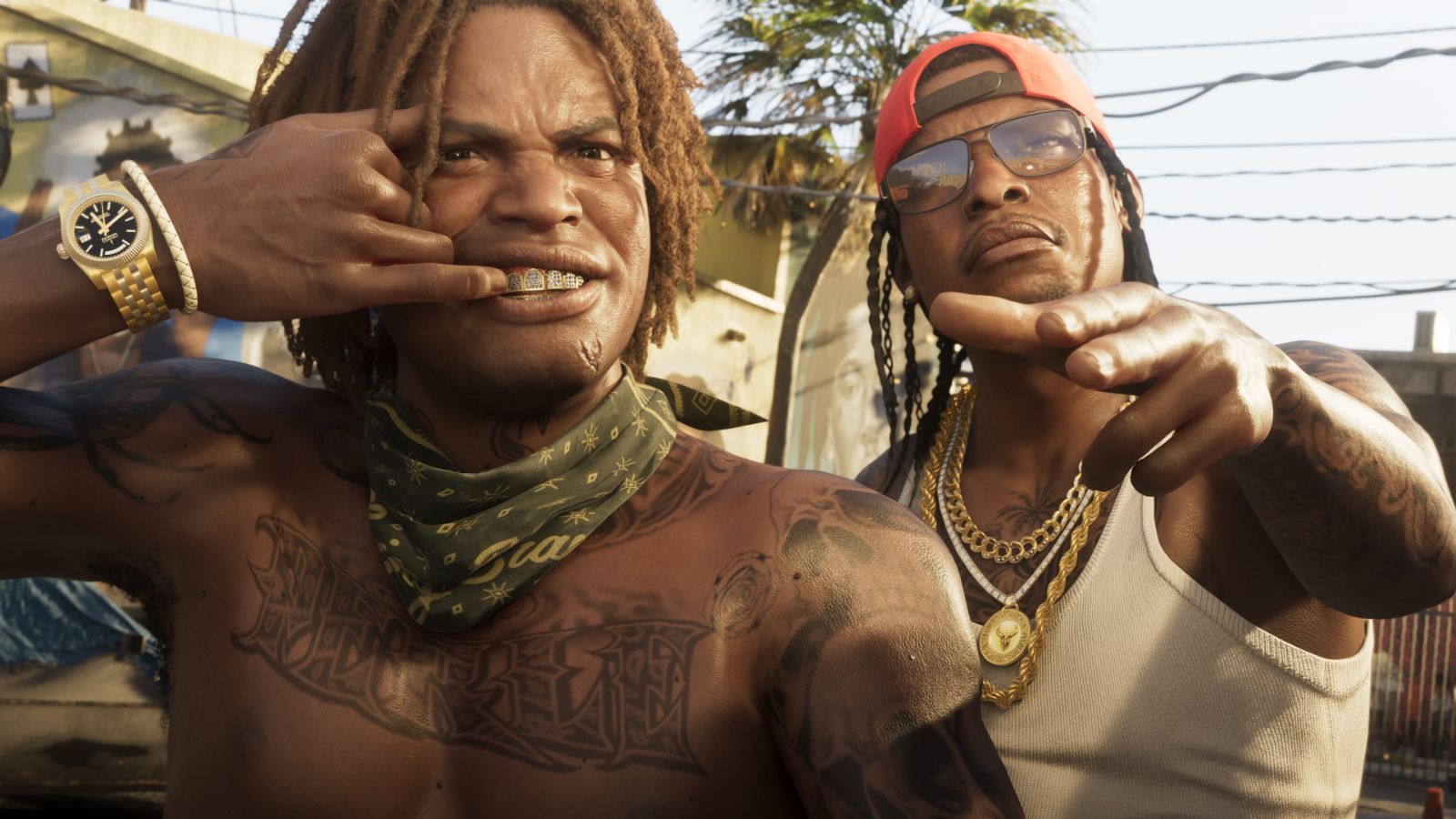
GTA VI is out now on PS5 and Xbox Series X|S (released November 19, 2026).
Do these eight things before launch night and GTA VI will be ready the moment it unlocks.
- Pre-load the game. Start the download now; see the pre-load guide.
- Check the download really finished. Open your game library and make sure GTA VI shows as installed, not “queued” or “paused.”
- Leave room for an update. The install is reported at up to about 212 GB. Leave extra free space in case a launch update arrives.
- Update your console. Install pending system software updates before launch night.
- Redeem physical-copy codes early. The box contains a code, not a disc, and PlayStation codes are region-locked. See physical copy.
- Know your unlock time. Check the countdown on your console store’s GTA VI page; see release time.
- Buying on launch day? You still get the pre-order bonus if you order before November 20; see the Vintage Vice City Pack.
- Wait to redeem GTA+ until you’ll use it. The free month appears to start when you join; see GTA+.
Note
We’ll update this checklist on launch night with anything Rockstar announces, such as a launch update size or server notes.
Sources
Official = Rockstar Games or the platform holder. Reported = another outlet’s reporting we could not check against an official page; it’s labeled wherever it’s used.
- Official Grand Theft Auto VI: official site (Rockstar Games) accessed Invalid Date
- Official Rockstar Store: Grand Theft Auto VI (Rockstar Games) accessed Invalid Date
- Reported Rockstar reveals GTA 6 pre-load times, confirms 212GB install size (TweakTown)
Spotted an error? Send a correction; we fix verified errors quickly and note them in the update history.